

becekwin

becekwin – Indonesia Sportsbook with casino access in one lobby

Aviator, Speed Blackjack, Rise of Apollo and our sportsbook sit behind one account, with DANA, OVO, GoPay and QRIS shown before you fund the…

21+ SSL
becekwin gaming platform
DANA
OVO
GoPay
QRIS
LOBBY AREAS

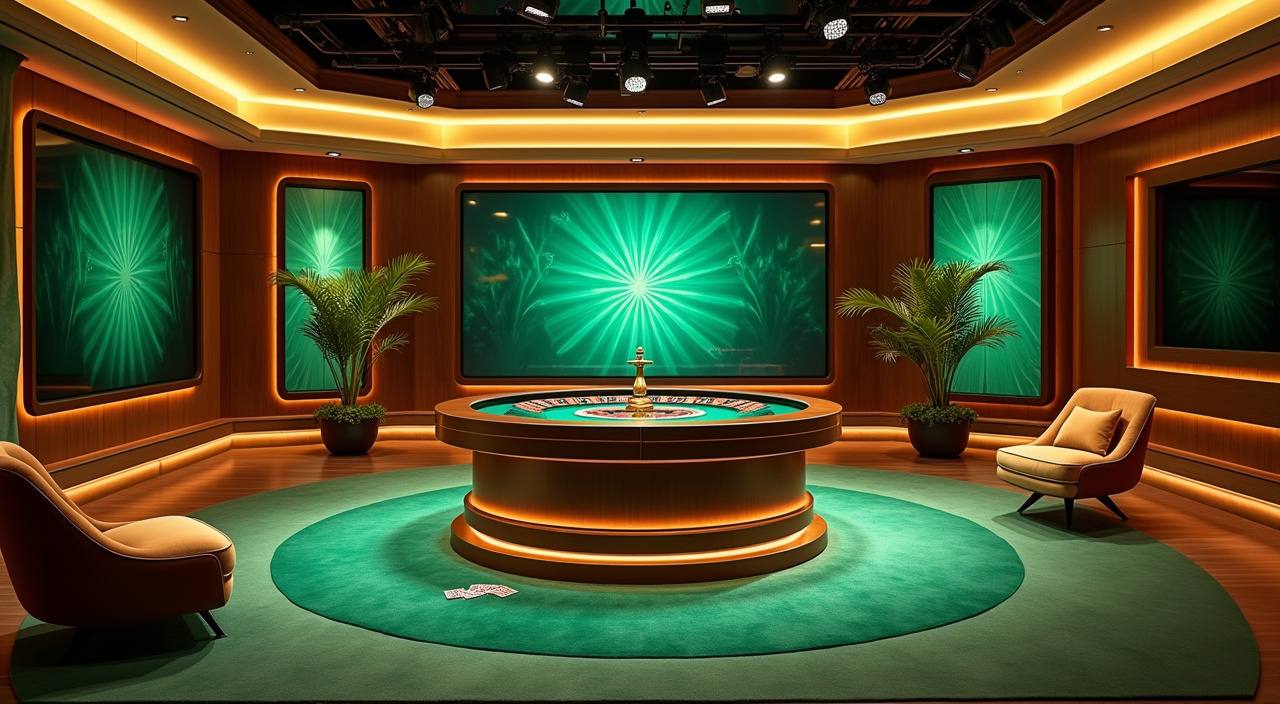
Casino and slots from home

The games area introduces casino tables and slots before the full cards load.

becekwin lobby snapshot
INSIDE OUR LOBBY

What becekwin puts upfront

Casino rooms, slots, table games, sportsbook tiles and fishing games sit together so your next move is visible from the home page.

SlotsLive CasinoTable GamesSportsbookFishing
STUDIO STRIP

Studios powering becekwin lobby

Pragmatic Play, PG Soft and Habanero appear beside other familiar studios, with logos arranged for quick checks before you enter a room.

Pragmatic Play
PG Soft
Habanero
Microgaming
CQ9
Joker
Spadegaming
JDB

Payment methods for Indonesia

Your wallet options are displayed where you need them, not hidden after several clicks.

DANA

OVO

GoPay

QRIS

READ FIRST

Pages worth opening after home

Once you understand the main lobby, the next pages should help you make a practical decision.

Updated today
becekwin Profile setup
ACCOUNT

Profile setup

Check the account page after joining to confirm your mobile number, login name and wallet name are written the same way.

becekwin Transfer timing
WALLET

Transfer timing

Use the wallet page to see how DANA, OVO, GoPay and QRIS entries are displayed after the transfer clears.

becekwin Table entry
CASINO

Table entry

Open the live casino page when you want to compare Speed Blackjack, Dragon Tiger and baccarat-style rooms before sitting down.

becekwin Slot categories
SLOTS

Slot categories

The slot page groups feature rooms such as Rise of Apollo, Mahjong Ways and Sweet Bonanza so you can choose by style.

FIRST CHECKS

What to check before joining

The home page is designed to answer your first account questions before you move money or enter a room.

Start point Begin with the account button, add your mobile number, create…
Account basics Your profile links the wallet, lobby history and help messages…
What is open From home you can move into slots, live casino, sportsbook…
Safe access We ask for sign-in details again on sensitive actions, and…
HELP PATHS

Support routes from the home page

Help should be easy to reach before a small issue becomes a long wait.

Live chat Chat is visible 24/7 for login, wallet and lobby questions, with agents asking for…
Email support Use email when a case needs screenshots, account records or a longer explanation that…
Mobile help The mobile help button sits near wallet and account areas so you can contact…
MOBILE ACCESS

Home works across your devices

Most account actions can be handled from a phone browser, including login, wallet checks, lobby browsing and support chat.

becekwin mobile gaming
Phone lobby
Tablet cards
Laptop tables
Fast login
Wallet panel
Live chat
SAFE USE

How your account stays safer

Account safety starts with the way home handles sign-in, wallet movement and device changes.

Mobile-first layout The phone view keeps login, wallet and help controls in…
Password care We mask password fields, ask you to confirm sensitive actions…
Wallet checks Withdrawal requests are matched against the account name and transfer…
Game fairness cues Provider rooms show their own rules, histories or round details…
CLEAR SIGNALS

How we keep home accountable

The home page should make our operating details easy to check. We place contact routes, wallet names, category labels and policy links in visible areas, then keep the same wording across mobile…

Clear labels

Game categories, wallet rails and help buttons use plain names, so you can explain your issue without decoding internal terms.

Policy access

Terms, privacy details and account rules are reachable from the footer before you open a game or send a wallet request.

Contact record

Chat and email threads keep account references, letting support check timing, transfer names and login activity when you ask for help.

Editable account

Your profile area shows the details we use for verification, so you can correct contact data before it causes a delay.

One lobby beats scattered searching

A single home page reduces the guessing that comes from switching between chats, screenshots and old links.

Current linksUse the home page instead of saved messages, because navigation labels and access buttons are kept in one place.
Visible walletThe wallet panel shows supported rails before you move funds, reducing wrong-route transfers and support follow-ups.
Category orderCasino, slots, sportsbook and fishing sections stay grouped, so you do not need to search separate pages first.
Account continuityYour profile, balance and help history stay tied to the same login as you move between rooms.
Support contextAgents can refer to the home labels you see, which makes chat about wallet or lobby issues more precise.
Device matchPhone, tablet and laptop views keep the same main actions, even when the card layout changes.
CATEGORY CHECK

How game categories show context

Different rooms behave differently, so we avoid presenting every game as the same experience. Slots rely on feature rounds, live tables depend on streamed dealing, sportsbook markets update by event status, and…

01

Slots

Feature rooms such as Rise of Apollo and Mahjong Ways show reels, paytables and spin features inside the game screen.

02

Live tables

Speed Blackjack and Dragon Tiger depend on streamed tables, so connection quality matters more than animation style.

03

Sportsbook

Markets change with event status, and unsettled slips remain visible in your account until the result is processed.

04

Fishing

Mega Fishing uses arcade-style rounds, on-screen targets and balance updates that appear after each completed round.

05

Bingo

Bingo rooms show card status and round timing, making them easier to check from mobile during short sessions.

SITE SNAPSHOT

Home page structure at a glance

4
local wallet rails
6
main lobby categories
24/7
chat window presence
3
primary device views
INDONESIA REACH

Access context for Indonesia

We built the home page for Indonesia traffic with local wallet rails, English copy for Indonesian readers and device layouts that fit common mobile browsing. Access may vary by location, network and account status, and eligibility depends on local law. If the lobby does not load correctly, try refreshing your browser, checking your connection or contacting support with your device type and city.

Jakarta, Indonesia
BRAND MARKERS

Visible details that define becekwin

The small details on home are there to help you decide quickly. We show local rails, familiar studios, account entry, lobby categories, support access and device consistency before…

DANA chip DANA appears in the wallet row so you can confirm…
QRIS option QRIS is listed beside e-wallet names, giving you a scan-based…
Studio names Recognisable provider names appear near the lobby, helping you identify…
Account button The account button stays near the first screen so joining…
Help presence Support access remains visible for wallet, login and room questions…
Game grouping Casino, slots, sportsbook and fishing areas are separated clearly, so…

FAQ

These questions cover the home page actions we see most often: joining, wallet checks, game entry, device use, support contact and access context. If your issue involves a specific transfer or login attempt, include the time and rail name when contacting us.

Use the account button, enter your mobile number, create a login name and set a password. After that, the lobby and wallet panel appear under the same profile.

We show DANA, OVO, GoPay and QRIS in the wallet area. Choose the rail inside your account and wait for the balance update before entering a room.

Yes. The home lobby links casino tables, slots, sportsbook markets, Bingo and Mega Fishing under one account, so you can switch categories without creating another profile.

Check that the rail and account name match, then contact chat with your login name, transfer method and approximate time. Screenshots help when the case needs email follow-up.

Yes. Phone view keeps login, wallet, lobby and help controls close together. Tablet and laptop views show wider game cards and more room for live tables.

Live chat is visible 24/7 for account, wallet and lobby questions. Email is better for document checks, longer explanations or cases that need screenshots.

Access can vary by location, network and account status, and eligibility depends on local law. If the lobby fails to load, contact support with your device and city.
NAV ROUTE

How to move through home

Start with the first screen, confirm the account button, then scan the lobby categories before opening your wallet.

Account first

Create or enter your account before choosing a room, so the wallet and support tools can follow your session.

Check categories

Look at casino, slots, sportsbook and fishing labels before opening a title, especially when you are on a small screen.

Use the wallet panel

Select DANA, OVO, GoPay or QRIS from the wallet area and wait for the balance update before continuing.

Keep help nearby

If a balance, login or game entry looks wrong, open chat from the same page and share the approximate time.